


Table of Contents
- Introduction — Why AI Tools Matter in 2026
- 1. ChatGPT — The All-in-One AI Assistant
- 2. Claude — Best for Professional Writing & Research
- 3. Google Gemini — Best for Google Workspace Users
- 4. Grammarly — Best AI Writing Assistant
- 5. Notion AI — Best for Knowledge & Project Management
- 6. Microsoft Copilot — Best for Office 365 Users
- 7. Perplexity AI — Best AI Search Engine
- 8. Canva AI — Best for Design & Visual Content
- 9. Zapier — Best for Automation & Workflows
- 10. Midjourney — Best for AI Image Generation
- Quick Comparison Table
- Final Verdict
Why the Best AI Tools in 2026 Are Essential for Professionals
The workplace has changed forever. In 2026, professionals who use the best AI tools are completing tasks in hours that once took days. Whether you are a marketer, manager, freelancer, teacher, or entrepreneur — best AI tools 2026 are no longer optional. They are your competitive advantage.
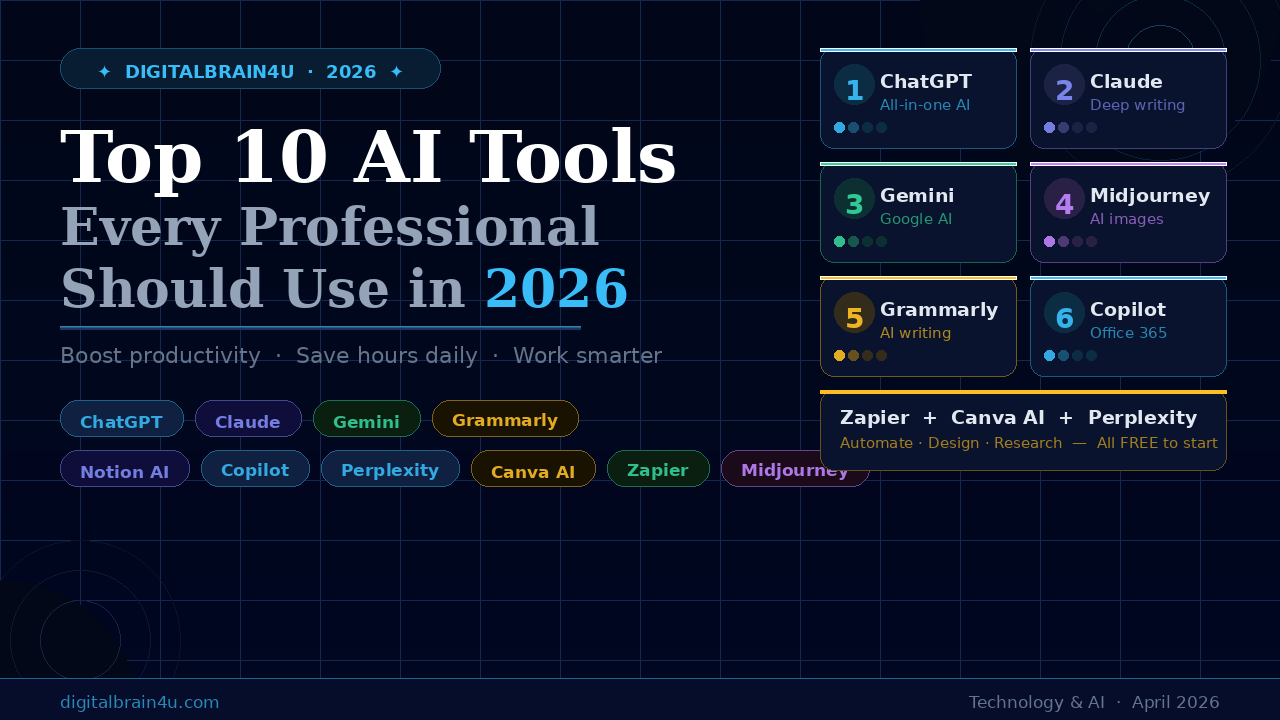
In this guide, we have carefully tested and selected the top 10 AI tools every professional should use in 2026. Each tool on this list has been chosen for its real-world usefulness, ease of use, and ability to save you significant time every single day.
Pro Tip: You do not need to use all 10 tools at once. Start with 2–3 that match your daily work. Master them first, then add more to your stack gradually.
1. ChatGPT — The All-in-One AI Assistant
Freemium
ChatGPT remains the most well-rounded AI tool available in 2026. It can handle writing, brainstorming, research, coding help, document analysis, email drafting, and much more — all within one single interface. The latest GPT-5 model thinks deeply, reasons through complex problems, and delivers professional-grade outputs in seconds.
For professionals, ChatGPT is the perfect starting point. Use it to draft reports, summarize long documents, answer questions, create social media content, or generate ideas. It handles almost every task you throw at it.
Writing, research, brainstorming, coding
Free tier available · Plus at $20/month
- Draft emails & reports
- Summarize documents
- Generate blog content
- Code assistance
- Idea generation
2. Claude — Best for Professional Writing & Deep Research
Freemium
Claude by Anthropic is the specialist you turn to when work gets serious. Built with a focus on safety, thoughtfulness, and depth, Claude excels at long-form writing, nuanced reasoning, and handling complex, layered problems with care. Professionals who need precise, well-structured content — reports, proposals, strategic documents — will find Claude exceptional.
Claude also has a very large context window, meaning it can read and analyze entire long documents at once. It is ideal for researchers, strategists, writers, and any professional handling knowledge-heavy tasks.
Writing, research, strategy, analysis
Free tier · Pro at $20/month
- Long-form writing
- Document analysis
- Research summaries
- Professional reports
- Strategic planning
3. Google Gemini — Best for Google Workspace Users
Freemium
If you live inside Google’s ecosystem — Gmail, Google Docs, Sheets, Slides, Drive — then Google Gemini is an absolute must. Gemini is deeply integrated across all of Google’s apps, making it the most powerful AI assistant for office professionals who rely on Google Workspace daily.
Ask Gemini to summarize your emails, draft a presentation, analyze a spreadsheet, or research a topic on the web — all without leaving Google’s suite. It is a powerful all-rounder that truly shines for teams already using Google products.
Google Workspace, research, office work
Free · Gemini Advanced $19.99/month
- Summarize Gmail threads
- Draft Google Docs
- Analyze Google Sheets
- Web-connected research
- Slide creation
4. Grammarly — Best AI Writing Assistant
Freemium
Grammarly has evolved from a simple grammar checker into a powerful full-suite AI writing assistant. In 2026, it does not just fix your grammar — it rewrites sentences, adjusts your tone, checks for clarity, and ensures your professional communication is always sharp and polished.
For working professionals, Grammarly is essential. It works across Gmail, LinkedIn, Microsoft Word, Google Docs, Slack, and almost every platform you type on. It is like having a professional editor reviewing every word you write, in real time.
Emails, reports, professional communication
Free tier · Pro at $12/month
- Grammar & spell check
- Tone adjustment
- Email rewriting
- Clarity improvement
- Plagiarism detection
5. Notion AI — Best for Knowledge & Project Management
Freemium
Notion AI transforms Notion — already the most popular all-in-one workspace tool — into an intelligent assistant that helps you manage projects, write notes, generate summaries, and organize your entire professional life. If you use Notion to manage your work, adding Notion AI is a game-changer.
Ask it to summarize meeting notes, generate a project plan, draft SOPs, or turn a messy brain dump into a clean, structured document. Notion AI makes your workspace truly intelligent.
Project management, note-taking, documentation
Free tier · Plus at $8/month
- Meeting summaries
- Project planning
- SOP writing
- Team documentation
- Content drafting
6. Microsoft Copilot — Best for Office 365 Users
Paid
Microsoft Copilot is the AI assistant built directly into the entire Microsoft 365 suite — Word, Excel, PowerPoint, Outlook, and Teams. For corporate professionals, this is arguably the most impactful AI tool of 2026. It brings AI directly into the tools you already use every single day at work.
Use Copilot to draft Word documents, create PowerPoint presentations from a brief, analyze Excel data with natural language, summarize long email chains in Outlook, and get meeting summaries in Teams — automatically.
Corporate professionals using Office 365
$30/user/month (Microsoft 365 required)
- Auto-generate Word docs
- Create PowerPoint decks
- Excel data analysis
- Email summarization
- Teams meeting notes
7. Perplexity AI — Best AI-Powered Search Engine
Freemium
Perplexity AI is the search engine of 2026. Instead of giving you a list of ten links like Google, Perplexity reads those pages, synthesizes the information, and gives you a direct, cited answer in seconds. For professionals who need fast, reliable research — Perplexity is invaluable.
Use it to research competitors, fact-check data, stay updated on industry news, or quickly learn about any topic. Every answer comes with source citations, so you can always verify the information. It is Google — but smarter.
Research, fact-checking, news, market research
Free tier · Pro at $20/month
- Quick research
- Competitor analysis
- News monitoring
- Cited fact-finding
- Industry insights
8. Canva AI (Magic Studio) — Best for Design & Visual Content
Freemium
You do not need to be a designer to create stunning visuals in 2026. Canva’s Magic Studio brings the full power of AI to design. Generate presentations, social media graphics, posters, logos, and marketing materials in minutes — with no design experience required.
Features like Magic Design (instant templates from a prompt), Magic Write (AI text generation), and Background Remover make Canva AI the go-to tool for marketing professionals, content creators, and small business owners across Pakistan and beyond.
Marketers, content creators, small business owners
Free tier · Pro at $15/month
- Social media graphics
- Presentations
- Logo design
- Marketing materials
- AI image generation
9. Zapier — Best for AI Automation & Workflows
Freemium
Zapier is the glue that connects all your AI tools and apps together. In 2026, Zapier’s AI agents can perform multi-step tasks automatically — sending emails, updating spreadsheets, posting to social media, saving files, and more — without you lifting a finger. It connects over 8,000 apps.
For professionals who want to automate repetitive tasks and save hours every week, Zapier is essential. Set it up once, and it works for you 24/7 in the background. It is the ultimate productivity multiplier.
Automation, workflow management, app integration
Free tier · Starter at $19.99/month
- Automate email responses
- Connect apps (Gmail → Slack)
- Auto-post social media
- Lead management
- Workflow automation
10. Midjourney — Best for AI Image Generation
Paid
Midjourney produces the most visually stunning AI-generated images available in 2026. Version 7 introduced significant improvements in photorealism, text rendering, and artistic quality. For marketing professionals, brand managers, and content creators, Midjourney is the gold standard for generating high-quality visuals.
Use it to create blog images, product concepts, social media visuals, brand mood boards, and marketing campaign materials — in seconds. What used to require a professional photographer or designer can now be done instantly with a well-crafted prompt.
Visual content, marketing, branding, design
Basic $10/month · Standard $30/month
- Blog featured images
- Social media visuals
- Brand concept art
- Marketing materials
- Product visualization
Quick Comparison Table — Best AI Tools 2026
Here is a side-by-side comparison of all 10 best AI tools 2026 to help you decide which ones to start with:
| # | Tool | Best For | Free Tier | Paid Plan |
|---|---|---|---|---|
| 1 | ChatGPT | All-around assistant |  Yes Yes |
$20/mo |
| 2 | Claude | Writing & research | Yes |
$20/mo |
| 3 | Google Gemini | Google Workspace | Yes |
$19.99/mo |
| 4 | Grammarly | Writing & editing | Yes |
$12/mo |
| 5 | Notion AI | Project management | Yes |
$8/mo |
| 6 | Microsoft Copilot | Office 365 users |  No No |
$30/mo |
| 7 | Perplexity AI | AI research & search | Yes |
$20/mo |
| 8 | Canva AI | Design & visuals | Yes |
$15/mo |
| 9 | Zapier | Automation | Yes |
$19.99/mo |
| 10 | Midjourney | Image generation | No |
$10/mo |
Best Starter Stack for Professionals: Start with ChatGPT (free) + Grammarly (free) + Canva AI (free) + Perplexity AI (free). All four are free to start and will immediately transform your daily productivity.
Final Verdict
The best AI tools in 2026 are not just for tech experts — they are for every professional who wants to work smarter, save time, and produce better results. Whether you are a marketer, manager, freelancer, or entrepreneur, these 10 AI tools will give you an unfair advantage in your career.
Start with the free tiers today. You do not need to spend money to immediately feel the difference these tools make. Pick 2–3 from this list, spend one week learning them, and watch your productivity transform.
Which AI tool are you going to try first? Let us know in the comments below!
best AI tools 2026
AI tools for professionals
ChatGPT 2026
artificial intelligence
AI productivity
top AI software
digital tools
AI Pakistan
Found this helpful? Share it with your professional network!
