

Close Menu

    Subscribe to Updates

    Get the latest creative news from FooBar about art, design and business.

    What's Hot

    Odoo Widgets: Complete List with Explanation (2026 Guide)

    February 21, 2026

    Odoo 19 Performance Optimization Guide

    February 16, 2026

    How to Install Odoo 15 on Ubuntu 20.04 (Step-by-Step)

    February 14, 2026
    Facebook X (Twitter) Instagram
    Facebook X (Twitter) Instagram Pinterest Vimeo
    Digitalbrain4uDigitalbrain4u
    • Home
    • Contact
    Subscribe
    Digitalbrain4uDigitalbrain4u
    Home » Odoo Widgets: Complete List with Explanation (2026 Guide)
    Odoo ERP

    Odoo Widgets: Complete List with Explanation (2026 Guide)

    Digital BrainBy Digital BrainFebruary 21, 2026Updated:February 21, 2026No Comments3 Mins Read
    Share Facebook Twitter Pinterest LinkedIn Tumblr Reddit Telegram Email
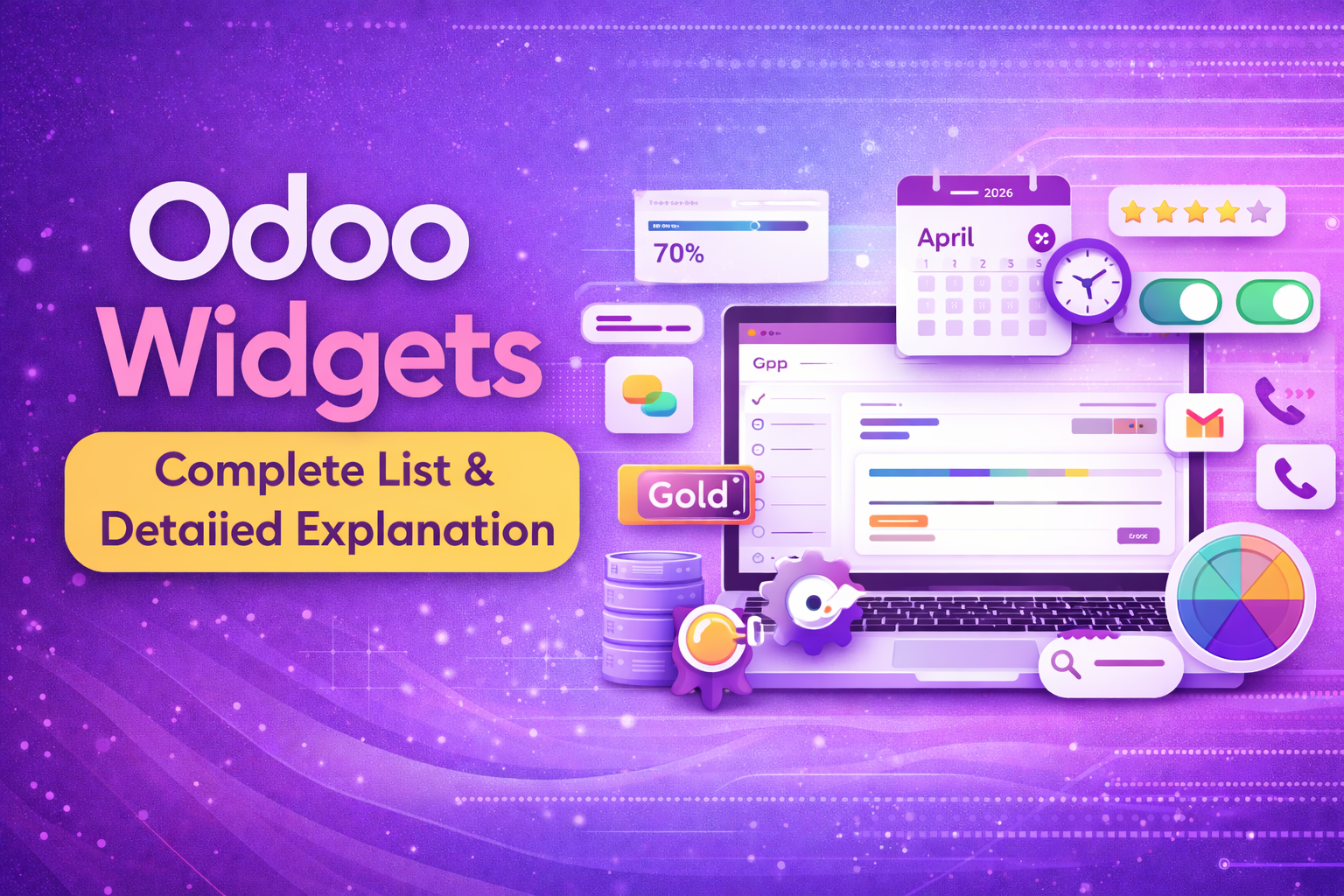
    Odoo Widgets Complete List
    Share
    Facebook Twitter LinkedIn Pinterest Email

    Widgets in Odoo play a crucial role in enhancing the user interface and improving data visualization inside forms, tree views, Kanban boards, and dashboards. If you’re an Odoo developer or functional consultant, understanding Odoo widgets is essential for customization and module development.

    What Are Odoo Widgets?

    Odoo widgets are special UI components that control how fields are displayed in the system. Instead of showing raw data, widgets improve user experience by presenting information in interactive formats like buttons, badges, progress bars, images, toggles, and more.

    Why Odoo Widgets Are Important?

    • Improve UI/UX
    • Enhance data visualization
    • Make forms more interactive
    • Simplify complex data entry
    • Improve productivity
    • Reduce user errors

    Complete List of Common Odoo Widgets (With Details)

    Below is a categorized and detailed list of commonly used Odoo widgets in Odoo 15, 16, 17, 18, and newer versions.

    1.     Text Widget

    • Multi-line text input.
    • Used for: Descriptions, notes.
    <field name='name' widget='text'/>

    2.     Email Widget

    Clickable email link

    <field name='email' widget='email'/>

    3.     Phone Widget

    Clickable Phone Widget

    <field name='phone' widget='phone'/>

    4.     URL Widget

    <field name='website' widget='url' />

    5.     Monetary Widget

    Display currency symbol automatically.

    <field name='amount_total' widget='monetary'/>

    6.     Image Widget

    Display Image inside form.

    <field name='image_1920' widget='image'/>

    7.     Binary Widget

    Used for file upload (PDF, Docs, etc.)

    <field name='name' widget='binary'/>

    8.     Progressbar Widget

    Shows completion progress.

    <field name='progress' widget='progressbar'/>

    9.     Gauge Widget

    Display speedometer-style value.

    10.  Badge Widget

    Display colored label or tag.

    11.  Statusbar Widget

    Workflow Stage tracker.

    <field name='state' widget='statusbar'/>

    12.  Boolean toggle widget

    ON/OFF switch UI

    <field name='active' widget='boolean_toggle'/>

    13.  Radio widget

    Display selection option as radio.

    <field name='sale_type' widget='radio'/>

    14.  Many2many tags widget

    Display record as tags.

    <field name='tag_ids' widget='many2many_tags'/>

    15.  HTML widget

    Ritch Text Editor

    <field name='description' widget='html'/>

    16.  Many2one Avatar

    <field name='user_id' widget='many2one_avatar'/>

    17.  Many2many Checkboxes

    <field name='category_ids' widget='many2many_checkboxes'/>

    18.  Color picker

    <field name='color' widget='color'/>

    19.  Copy clipboard

    <field name='reference' widget='copyclipboardchar'/>

    20.  Activity Widget

    <field name='activity_ids' widget='mail_activity'/>

    21.  Followers Widget

    <field name='message_follower_ids' widget='mail_followers'/>

    22.  Thread (Chatters)

    <field name='message_ids' widget='mail_thread'/>

    23.  Barcode

    <field name='barcode' widget='barcode'/>

    24.  Float Time

    <field name='worked_hours' widget='float_time'/>

    25.  Priority

    <field name='priority' widget='priority'/>


    Share. Facebook Twitter Pinterest LinkedIn Tumblr Email
    Previous ArticleOdoo 19 Performance Optimization Guide
    Digital Brain
    • Website

    Related Posts

    Odoo ERP

    Odoo 19 Performance Optimization Guide

    February 16, 2026
    Odoo ERP

    Odoo Community vs Enterprise (Complete Comparison 2026)

    February 11, 2026
    Odoo ERP

    What is Odoo? A Complete Beginner’s Guide (2026 Updated)

    February 5, 2026
    Add A Comment
    Leave A Reply Cancel Reply

    Demo
    Top Posts

    What is Odoo? A Complete Beginner’s Guide (2026 Updated)

    February 5, 202669 Views

    Odoo Community vs Enterprise (Complete Comparison 2026)

    February 11, 202660 Views

    How to Install Odoo 15 on Ubuntu 20.04 (Step-by-Step)

    February 14, 202629 Views
    Stay In Touch
    • Facebook
    • YouTube
    • TikTok
    • WhatsApp
    • Twitter
    • Instagram
    Latest Reviews

    Subscribe to Updates

    Get the latest tech news from FooBar about tech, design and biz.

    Demo
    Most Popular

    What is Odoo? A Complete Beginner’s Guide (2026 Updated)

    February 5, 202669 Views

    Odoo Community vs Enterprise (Complete Comparison 2026)

    February 11, 202660 Views

    How to Install Odoo 15 on Ubuntu 20.04 (Step-by-Step)

    February 14, 202629 Views
    Our Picks

    Odoo Widgets: Complete List with Explanation (2026 Guide)

    February 21, 2026

    Odoo 19 Performance Optimization Guide

    February 16, 2026

    How to Install Odoo 15 on Ubuntu 20.04 (Step-by-Step)

    February 14, 2026

    Subscribe to Updates

    Get the latest creative news from FooBar about art, design and business.

    Facebook X (Twitter) Instagram Pinterest
    • Home
    © 2026 Designed by Digital brain.

    Type above and press Enter to search. Press Esc to cancel.